Mastering Android: 2025 Settings & Secret Codes
Fix lag, erratic battery behavior, and hidden storage bloat using only your phone's built-in settings and secret engineering codes. No PC or ADB required. 📱
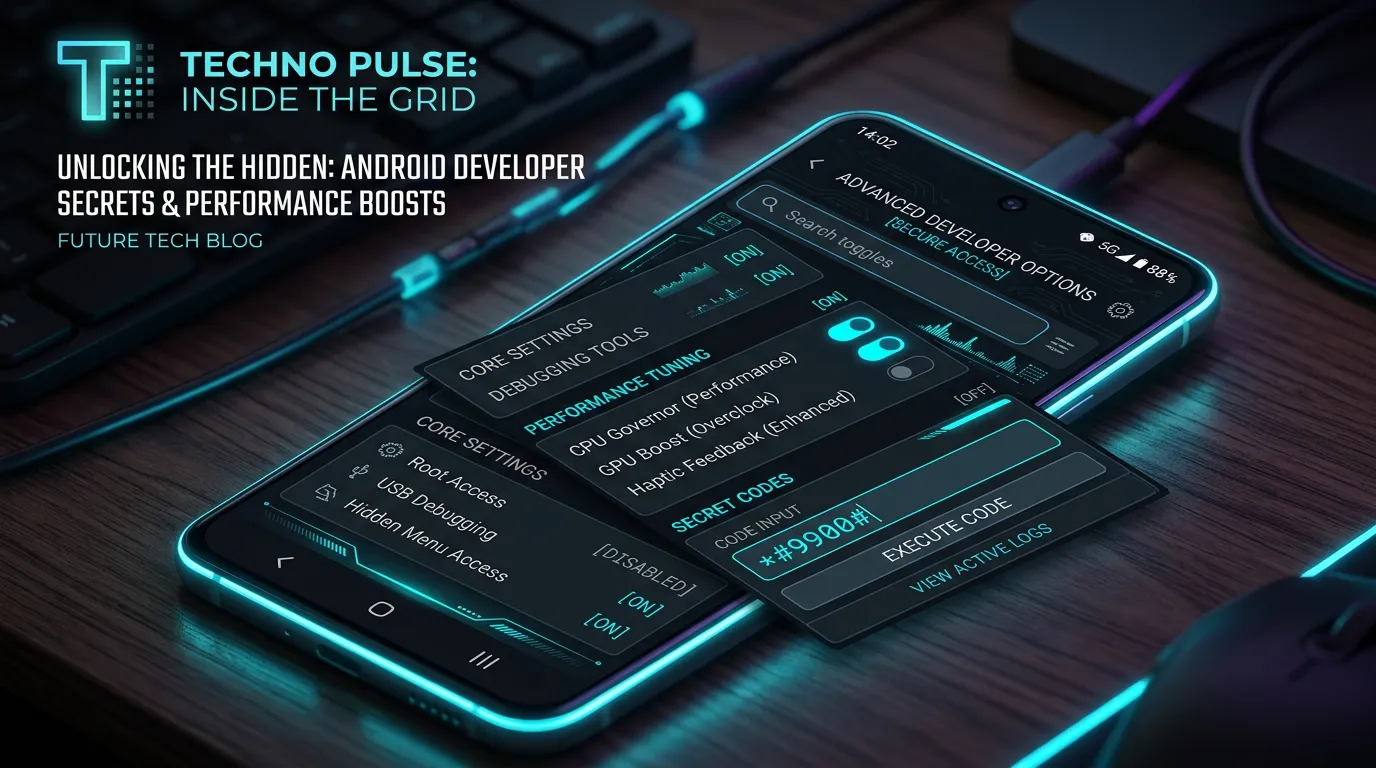
In 2025, Android devices are more powerful than ever, but they still fall prey to classic issues: UI lag, “mystery” battery drain, and disappearing storage. Most guides suggest connecting to a PC or using ADB, but you can solve the most common problems using only the Settings app and hidden Secret Codes. 🔍
Here is how to reclaim your device’s speed and stability without any external tools.
1. The “Instant Speed” Hack: Animation Scaling ⚡
If your phone feels “heavy” or slow to respond to touches, the culprit is often the system animations. While they look pretty, they add a perceived delay to every interaction.
- The Fix: Enable Developer Options (go to Settings > About Phone and tap Build Number 7 times).
- The Tweak: Inside Developer Options, find Window animation scale, Transition animation scale, and Animator duration scale. Change them all from 1x to 0.5x.
- The Impact: Your phone will immediately feel snappier. Apps will snap open, and the UI will respond with zero artificial delay. 🚀
2. Solve “Mystery” Battery Drain 🔋
Are you losing 10-20% battery overnight? Modern AI features (like real-time translation or persistent background assistants) are often the cause in 2025.
- Step 1: Go to Settings > Battery > Battery Usage.
- Step 2: Identify any app consuming more than 5% in the background.
- Step 3: Tap the app and change its battery setting to Restricted. 🚫
Pro-tip: Ensure Adaptive Battery is toggled ON. This uses on-device machine learning to throttle power for apps you rarely use.
3. Clear Hidden “Dump” Storage (Samsung Only) 📂
Samsung Galaxy devices are notorious for accumulating gigabytes of system logs and “dumpstate” files that aren’t cleared by standard “Clean Storage” apps.
The Secret Code: Open the Phone dialer and type
*#9900#.
- The Solution: Tap Delete dumpstate/logcat.
- The Impact: This can instantly free up 1GB to 5GB of “System” storage that was previously unreachable. It also clears out old error logs. ✨
4. Recalibrate Erratic Battery Percentage 📈
If your phone jumps from 15% to 5% instantly, your battery’s fuel gauge is likely miscalibrated.
The Secret Code: Open the Phone dialer and type
*#0228#.
- The Fix: Tap Quick Start. Your screen will turn off for a few seconds as the system recalibrates.
- Note: Only do this when your battery percentage is acting weird. Do not use it as a regular optimization. ⚠️
5. Fix Bluetooth & Wi-Fi Instability 📶
Connectivity drops are common after major OS updates (like the move to Android 15 or 16).
- The Fix:
- Go to Settings > System > Reset Options.
- Select Reset Wi-Fi, mobile & Bluetooth.
- The Benefit: This flushes the network stack and clears corrupted cache files without deleting your personal data. ✅
By mastering these hidden menus and built-in toggles, you can keep your Android device running like new throughout 2025 and beyond. 🏆